Ansible - Roles

Hi there! I'm Dinesh, a passionate Cloud and DevOps enthusiast. I love to dive into the latest new technologies and sharing my journey through blog.
One of its core features is Ansible Roles, which help in organizing playbooks and reusable components efficiently. In this post, I’ll walk you through creating a simple Ansible role to install and configure Apache.
Step 1: Initialize the Ansible Role
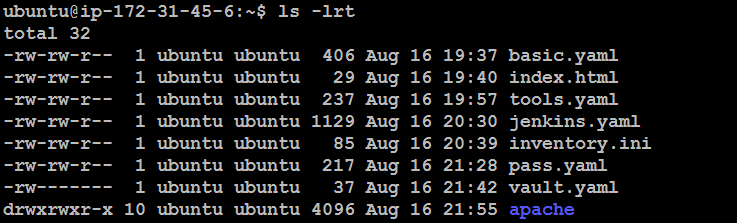
To begin, we'll use the ansible-galaxy command to create the basic directory structure for our role:
ansible-galaxy init apache

This command generates a directory named apache with the standard structure, including folders for tasks, handlers, files, templates, and more.

Step 2: Define the Tasks for Apache Installation
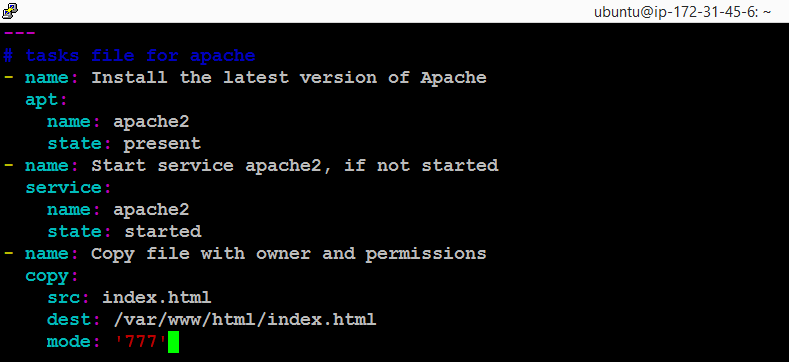
Now, navigate to the tasks directory and edit the main.yml file to define the tasks required to install and configure apache:
vi apache/tasks/main.yml
Add the following content to the file:
# tasks file for apache
- name: Install the latest version of Apache
  apt:
    name: apache2
    state: present
- name: Start service apache2, if not started
  service:
    name: apache2
    state: started
- name: Copy file with owner and permissions
  copy:
    src: index.html
    dest: /var/www/html/index.html
    mode: '777'
Explanation:
Install Apache: We use the
aptmodule to ensure Apache is installed on the target machine.Start Apache Service: The
servicemodule checks if Apache is running and starts it if necessary.Copy Index File: The
copymodule copies our customindex.htmlfile to the Apache web directory with full permissions (777).
Step 3: Create the Index File
We now need to create the index.html file that will be served by Apache. This file should be placed in the files directory of our role:
cd apache/files/
vi index.html

Add some any content to this file:

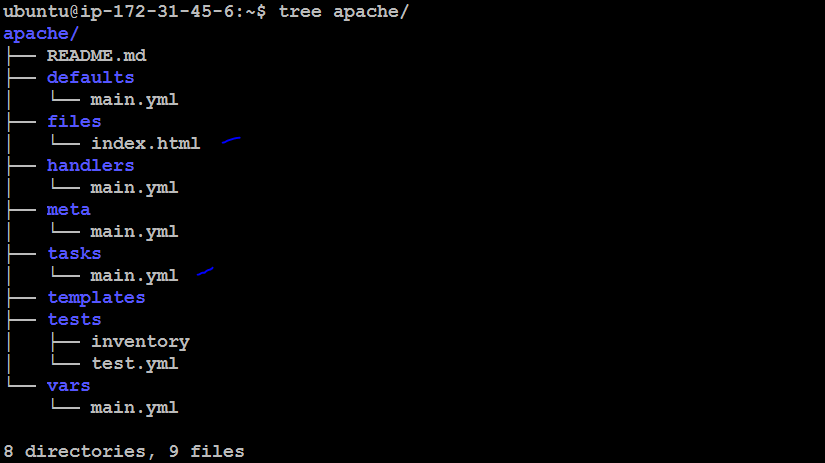
Step 4: Organize and Verify the Directory Structure
Your role structure should look like this:
tree apache/
This command will display something like:
Step 5: Create the Playbook
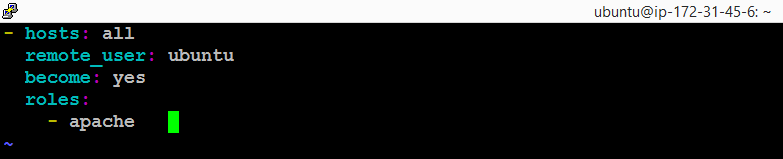
Finally, create a playbook that includes our Apache role:
vi roles.yaml
Add the following content:
- hosts: all
  remote_user: ubuntu
  become: yes
  roles:
    - apache
Explanation:
hosts: Specifies the target hosts (in this case,
all).remote_user: The user Ansible will connect as (
ubuntu).become: Ensures commands are executed with elevated privileges (sudo).
roles: Includes our
apacherole.
Step 6: Execute the Playbook
Now, you can run your playbook to apply the Apache role to your target machines:
ansible-playbook -i inventory.html roles.yaml
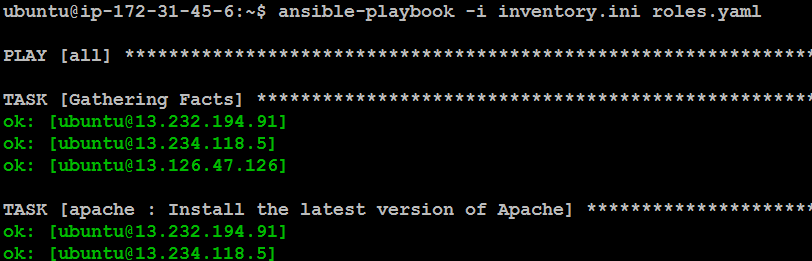
If everything is set up correctly, Apache will be installed, the service will be started, and your custom index.html will be served.

Conclusion
By creating an Ansible role, we’ve encapsulated the Apache installation and configuration into a reusable and organized structure. This approach not only makes automation more manageable but also enhances the scalability of your infrastructure management. As your needs grow, you can extend this role with more complex configurations, handlers, templates, and variables.